


To play games for real at Roobet, you must have a Bitcoin casino account. Below is a guide to help you through the process so you can begin your online betting journey soon. Just follow these steps, and you may begin your sessions of betting and winning crypto at Roobet:
Sign-up process step-by-step
Upon visiting the Roobet casino website, you will be greeted with a betting platform that is free to explore. You can even play some games for fun with the free play mode feature. To play these games and win real cash prizes, follow these steps to make a Roobet account:
Step 1 – Click the ‘Register’ button
Your first step is to open the sign-up page. To do so, click the ‘Register’ button at the top right corner of the Roobet bitcoin casino. This opens a form asking for your username, email address, and password.
Step 2 – Enter the requested information
Provide the information requested. Username is the name Roobet will address you by, the email is how the casino’s team can contact you, and the password is your security measure. You can also provide a referral code if you have one, to get a reward for a successful sign-up.
Step 3 – Accept the terms of service
There’s a check box at the bottom of the form, which you should only toggle if you are age 18+, accept the terms of service, and agree with the privacy policy. Please read both before agreeing to ensure you have agreed to Roobet as a customer of their services.
When you’re done with all these steps, click ‘Play Now’. This officially makes you a Roobet account holder. You can also continue the registration process with a Google, Steam, or Metamask account. Doing so links your Roobet account with your profile on those platforms.
Verification process step-by-step
Once you have a Roobet account, most of the website’s services are available to you. However, not all of them. Certain payment and withdrawal methods won’t be ready to use unless you have verified your identity/account. It is an important process to comply with the Know Your Customer (KYC) requirements of most payment providers.
Step 1 – Go to the ‘Verification’ tab in the account settings
Once logged in, click on the hexagon icon at the upper right corner of the screen. This opens a drop-down menu, where you will click on ‘Account Settings’ with a gear icon. It will take you to the page where you can set up your account information. Finally, click on the ‘Verification’ tab. It’s on the left on desktop, but on the upper right on mobile.
Step 2 – Fulfil the requirements of every level
The verification tab gives you multiple levels that you can complete one at a time. To fulfil verification level 1, just input all information requested from name to postal code. Phone number is optional, as Roobet can contact you via email instead.
Verification levels 2 and 3 will ask for legal documents proving the information you gave in level 1. Level 2 asks for a valid ID, while Level 3 asks for utility bills to prove your address. The final level asks for your source of funds, which is optional, but will protect your account from suspicion of money laundering.
Step 3 – Wait for confirmation from Roobet
The information and documents you submitted will be reviewed by Roobet’s agents. It will take a few moments, and you will be notified once it’s acknowledged. This notice may be sent to your email or phone number (if you provided one). You may begin exploring Roobet’s services while waiting for the confirmation.
2FA setup step-by-step
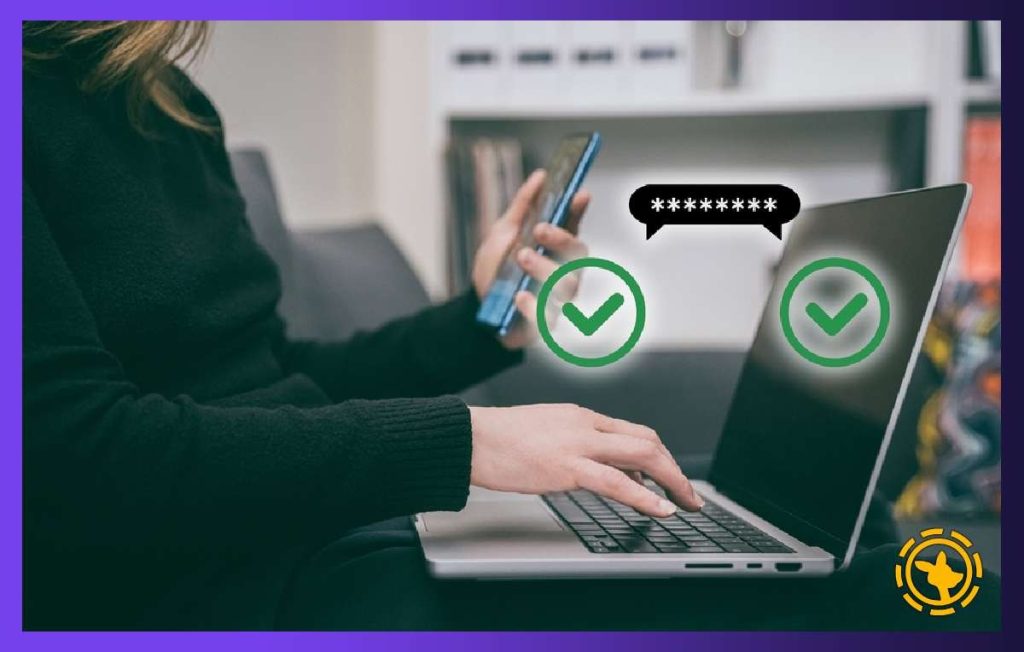
Two-factor authentication (2FA) is a security method that adds a protective layer to your account login. Given how rampant cybercrime is against crypto users, having one enabled is always suggested. To set up your 2FA with Roobet, follow these steps:
Step 1 – Go to your account security and generate the 2FA code
Click the hexagon symbol at the top right corner of the screen, then select ‘Account Settings’. Switch over to the security tab by clicking on ‘Security’, which has a padlock symbol on it. This takes you to the page where you can change your password or set up the 2FA layer. Click on ‘Enable 2FA’ to generate the QR code or Two-factor Secret.
Step 2 – Prepare your Google Authenticator app
Download Google Authenticator from the App Store or Google Play Store. Sign in with your valid email address to set it up. When it’s ready, click on the plus (+) symbol at the bottom right, then select a method.
‘Scan the QR code’ only works if you open the Google Authenticator app on a mobile device. If it’s opened on the same computer, then opt for ‘Enter a setup key’. How you link your Roobet account depends on the selected method.
Step 3 – Link your Roobet account with your Google Authentication app
If you’re using the ‘Scan a QR Code’, it opens the camera on your device. Point it at the QR code in your Roobet account, and it creates a profile in the Google Authenticator account named ‘Roobet – <your username>’. If you’re doing this on the same device, copy the generated Two-Factor Secret, and paste it into the Google Authenticator’s ‘Enter Setup Key’.
The six-digit authentication code created on the Google Authentication app is the Two-Factor Code. Type it in the final box at the Roobet Security tab, then click ‘Continue’. This enables the 2FA protection method for your Roobet account, safeguarding it from unwanted access.
Enjoy crypto betting at Roobet
This is all you need to know in creating and preparing your account to begin a fun gambling session. You may now make a deposit, claim bonuses, play games, or cast predictions on any sports or esports. Enjoy Roobet, the best bitcoin casino, to the fullest with a verified and secure account.
